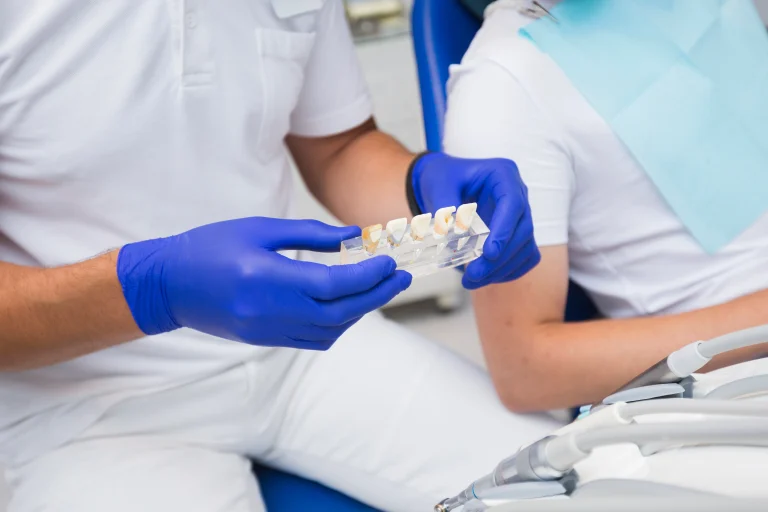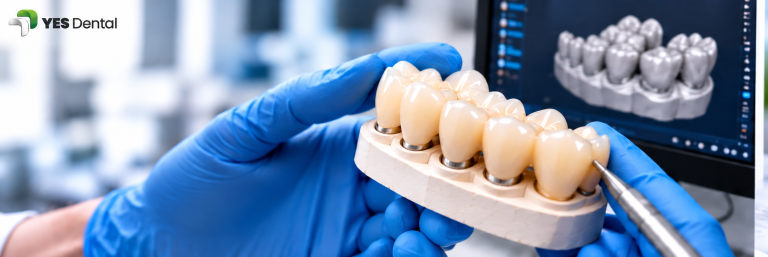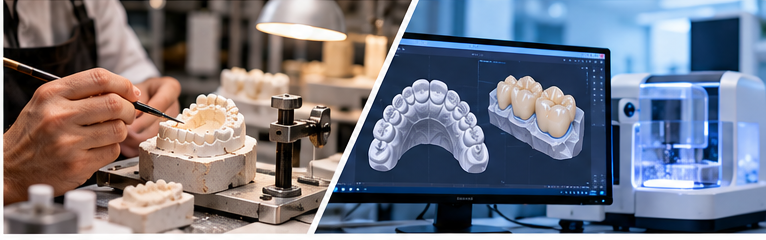
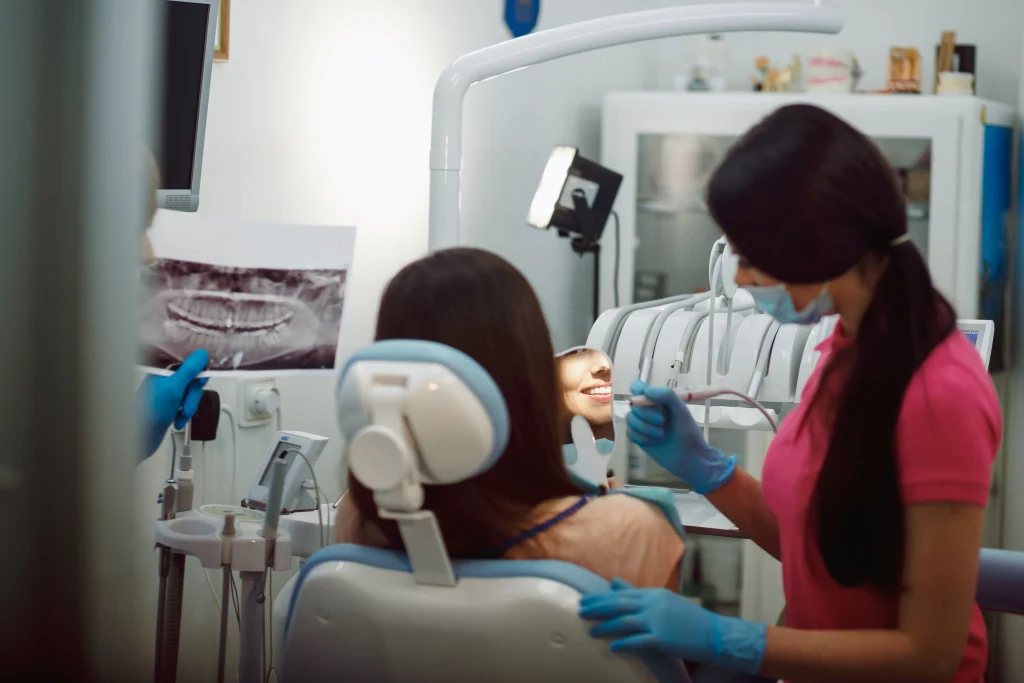
A hybrid dental workflow allows a dental clinic to capture digital impressions using an intraoral scanner and send the scan files to a dental laboratory for restoration design and manufacturing. The clinic manages scanning and clinical records, while the laboratory handles the agreed CAD/CAM production steps.
This approach lets clinics adopt digital dentistry without purchasing an in-house milling machine or managing every manufacturing stage themselves. Its success depends on scan quality, compatible file formats, complete prescriptions and reliable communication between the dentist and laboratory.
In this guide, we explain how a hybrid dental workflow works, how it compares with conventional and chairside workflows, what equipment you need and how to choose a suitable laboratory partner.
Key Takeaways
- Scan in the clinic: Capture the preparation, opposing arch and bite using an intraoral scanner.
- Outsource manufacturing: Send the digital case to a laboratory for the agreed design and production steps.
- Avoid a full milling setup: You do not need an in-house milling machine to begin a hybrid workflow.
- Check compatibility: Confirm your scanner’s export options and the laboratory’s accepted file formats before submitting cases.
- Prioritise communication: Complete prescriptions and clear clinical instructions help the laboratory understand your requirements.
1. What Is a Hybrid Dental Workflow?
A hybrid dental workflow combines digital scanning at the clinic with outsourced restoration design and manufacturing.
Instead of taking a conventional physical impression, the dentist captures a digital impression using an intraoral scanner. The resulting scan files and prescription are sent to a dental laboratory, where the restoration can be designed and manufactured according to the agreed workflow.
For example, a dentist preparing a tooth for a zirconia crown can scan the prepared tooth, the opposing arch and the patient’s bite. The dentist then submits these records, along with the tooth number, material preference and shade details, to the laboratory.
The laboratory uses the submitted information to plan the restoration and carry out the agreed production steps. The completed restoration is delivered to the clinic for clinical evaluation and placement.
This model sits between two approaches:
- Conventional workflow: Physical impressions or other conventional records are sent to the laboratory.
- Hybrid workflow: The clinic captures digital records, while the laboratory manages the outsourced design and manufacturing.
- Fully in-house chairside workflow: The clinic performs the digital design and manufacturing steps itself, where its equipment, materials and training permit.
A hybrid workflow is especially relevant to clinics that want to adopt digital impressions without taking on every aspect of dental manufacturing.
2. Conventional vs Hybrid vs Chairside Dental Workflows
Each workflow has different equipment, investment and operational requirements. The most suitable option depends on the clinic’s case volume, staffing, restoration mix and turnaround expectations.
| Feature | Conventional workflow | Hybrid workflow | In-house chairside workflow |
|---|---|---|---|
| Impression | Physical impression | Digital intraoral scan | Digital intraoral scan |
| Restoration design | Dental laboratory | Dental laboratory | Clinic, using suitable software |
| Manufacturing | Dental laboratory | Dental laboratory | Clinic, using suitable equipment |
| Main clinic equipment | Impression materials and instruments | Intraoral scanner and computer | Scanner, design software and manufacturing equipment |
| Initial investment | Generally lower for digital equipment | Scanner investment | Generally higher due to additional equipment |
| Training | Conventional impression techniques | Digital scanning and case submission | Scanning, design, manufacturing and finishing |
| Material options | Depends on laboratory | Depends on laboratory | Depends on available equipment and materials |
| Turnaround | Depends on impression transport and laboratory schedule | Digital files can be transferred without transporting a physical impression | Same-day treatment may be possible for suitable cases |
| Laboratory involvement | Core part of the workflow | Core part of the workflow | Optional or retained for selected cases |
| Best suited to | Clinics using conventional records | Clinics adopting digital impressions with outsourced production | Clinics with the equipment, volume and expertise for chairside production |
Digital file transfer can remove the need to transport a physical impression or model to the laboratory. However, it does not guarantee a particular delivery time: design approval, manufacturing schedules, case complexity and shipping still matter.
3. How the Hybrid Dental Workflow Works: Step by Step
Step 1: Capture the digital scan
Use the intraoral scanner to capture the prepared tooth or relevant treatment area. Include the opposing arch and bite record as required for the restoration.
Check that the preparation and finish line are clearly recorded. Inspect the scan for missing surfaces, holes, stitching artefacts or other problems before submitting the case.
Step 2: Complete the prescription
Provide the laboratory with the clinical and technical details it needs, including:
- Patient or case reference, using appropriate privacy safeguards
- Tooth number and restoration type
- Prescribed material, where specified
- Shade information and relevant photographs
- Opposing arch and bite records
- Special design instructions and clinical considerations
For more detail, follow our dental case submission guide.
Step 3: Submit the case
Send the scan files and prescription through the laboratory’s approved submission channel. Depending on the provider, this may be a case portal, compatible scanner integration or another agreed method.
Before the first submission, confirm the accepted file formats, any file-size restrictions and how the laboratory acknowledges receipt.
Step 4: Laboratory design
The laboratory uses compatible CAD software and the supplied records to design the restoration.
If design approval is important for your workflow, confirm in advance whether the laboratory offers previews and which cases can be reviewed before manufacturing begins.
Step 5: Manufacturing and finishing
Depending on the prescribed restoration and laboratory workflow, production may involve milling or printing, followed by applicable processing, finishing and other material-specific steps.
For example, a zirconia restoration requires processing according to the selected material’s instructions. Other restoration types may follow different manufacturing routes.
Step 6: Laboratory checks and dispatch
The laboratory carries out the checks included in its quality-control process. These may cover design details, contacts, occlusion, margins, surface finish and shade, as appropriate to the case.
Confirm the laboratory’s actual quality-control process rather than assuming every provider performs identical checks.
Step 7: Clinical evaluation and feedback
After delivery, the dentist evaluates the restoration clinically and completes the appropriate try-in and placement procedures.
Share relevant feedback with the laboratory if adjustments or clarification are required. Clear communication helps both parties understand the case and improve future submissions.
4. What Do You Need to Get Started?
A hybrid workflow does not require the clinic to own every piece of dental CAD/CAM manufacturing equipment. However, a few essentials are needed.
An intraoral scanner: Choose a scanner suitable for your clinical applications and workflow. Review its export options and compatibility with the laboratories you intend to use.
Scanning skills: A good digital workflow depends on correct scanning technique, visibility of the preparation, moisture control and complete records. A scanner does not compensate for missing clinical information.
A compatible laboratory: Confirm that the laboratory accepts your scanner’s output and can manufacture the restoration types you prescribe.
A standard prescription template: Use a consistent checklist for tooth number, restoration, material, shade, opposing arch, bite record and special instructions.
A submission and communication process: Know how to send cases securely, confirm receipt, ask technical questions and receive updates.
Before purchasing a scanner, discuss your intended use cases with prospective laboratory partners. Compatibility should be confirmed for the actual scanner, software and file-export workflow rather than assumed from a file extension alone.
5. Benefits and Limitations of a Hybrid Dental Workflow
Key benefits
Lower equipment burden than full in-house manufacturing
A clinic can adopt digital impressions without immediately investing in a milling machine, sintering furnace and the associated production setup.
Digital case transfer
Scan files can be transferred electronically, eliminating the physical transport of the impression itself.
Access to laboratory expertise
The clinic can rely on the laboratory for agreed design and manufacturing tasks rather than developing every capability internally.
Flexibility in restoration selection
The range of available restorations and materials depends on the laboratory’s capabilities. This may allow a clinic to outsource different types of cases without maintaining all the equipment required to produce them in-house.
A scalable starting point
A clinic can begin with selected digital cases and refine its process as staff gain experience. The right workflow depends on case volume, the restoration mix and the laboratory’s capacity.
Important limitations
- Scan quality matters: Incomplete or inaccurate scans can lead to clarification requests, rescanning or difficulties during design.
- Compatibility must be checked: Some scanner systems and software have specific export or integration requirements.
- Laboratory schedules still apply: Digital submission does not mean every restoration can be completed immediately.
- Communication is essential: Missing shade details, unclear prescriptions and incomplete bite records may delay case processing.
- Complex cases need appropriate planning: Implant-supported and full-arch restorations may require additional records, components and verification steps.
Research on digital impressions reports that accuracy varies with the scanner, technique and clinical situation. Digital scanning should therefore be treated as a clinical workflow that requires appropriate training and quality checks, not as an automatic guarantee of superior accuracy.
6. Which Dental Workflow Is Right for Your Clinic?
The right choice depends on your clinical needs and business model.
- Small or mid-sized clinic without milling equipment: A hybrid workflow may be a practical way to introduce digital impressions while outsourcing manufacturing.
- Clinic with frequent same-day restoration requirements: Consider whether a chairside setup is justified by your case volume, equipment costs, staffing and the restorations you provide.
- Clinic handling varied restoration types: A laboratory-supported workflow may offer access to capabilities that would be difficult to maintain entirely in-house.
- Clinic still using conventional impressions: You can evaluate digital scanning gradually, starting with scanner compatibility and a clear case-submission process.
- Multi-location dental group: A standard scan protocol and prescription template can help create a consistent process across clinics.
Some clinics combine workflows. They may manufacture selected straightforward restorations in-house while outsourcing other cases to a laboratory. The goal is to choose a process that fits the clinic’s resources and clinical requirements.
7. What Should You Ask a Dental Laboratory Before Starting?
Before committing to a hybrid workflow, ask your laboratory these questions:
- Which intraoral scanners, software systems and file formats do you accept?
- How should I submit scan files and prescriptions?
- How do you confirm that a case has been received?
- Can I review or approve the design before manufacturing, and for which cases?
- What information is required for crowns, bridges and implant restorations?
- What are your expected turnaround times for each restoration type?
- What is your process if a scan is incomplete or a clinical detail is missing?
- How are adjustments, remakes and technical queries handled?
- Which quality checks are included before dispatch?
- How should sensitive patient information be shared securely?
A reliable working relationship depends on clear expectations on both sides. Documenting the answers and using a consistent prescription template can make routine case submission easier.
8. How YES Dental Fits Into a Hybrid Workflow
YES Dental provides dental restoration products and manufacturing solutions for dentists, clinics and dental laboratories, including crown and bridge restorations, implant restorations, removable restorations and night guards.
For clinics exploring a digital workflow, the important first step is to confirm the requirements for the intended restoration and the laboratory’s case-submission process.
Before sending your first digital case, confirm the accepted scan formats, required clinical records, design-approval options and expected turnaround for the specific restoration. These details should be verified directly rather than assumed for every scanner or case type.
Explore the YES Dental Crown & Bridge range or submit your case through the YES Dental case portal. You can also contact the team through WhatsApp to discuss your case-submission requirements.
Conclusion
A hybrid dental workflow gives clinics a way to adopt digital impressions while outsourcing restoration design and manufacturing. It can reduce the need for an extensive in-house production setup, but its success depends on suitable scanning technique, compatible files, complete prescriptions and reliable laboratory communication.
Before investing in a scanner, identify the restorations you want to produce, confirm file compatibility with your chosen laboratory and establish a repeatable case-submission process.
Frequently Asked Questions
1. What is a hybrid dental workflow?
A hybrid dental workflow is a process in which the clinic captures digital impressions and sends the scan files to a dental laboratory for the agreed design and manufacturing steps. It combines digital scanning with outsourced laboratory production.
2. Can I scan in my clinic and send the files to a dental laboratory?
Yes, provided your scanner and software can export files accepted by the laboratory. Confirm the compatible formats and required records before submitting your first case.
3. Do I need a milling machine for a hybrid dental workflow?
No. The clinic can use an intraoral scanner while the laboratory performs the outsourced design and manufacturing. The clinic still needs suitable scanning equipment, training and a compatible submission process.
4. Is a hybrid workflow faster than a conventional dental workflow?
Digital submission can remove the time needed to transport a physical impression to the laboratory. Total turnaround still depends on scan quality, case complexity, design approval, production schedules and delivery.
5. Is a hybrid dental workflow suitable for implant restorations?
It can be suitable, but implant cases may require additional records and components. Confirm the laboratory’s requirements for the implant system, scan body, bite records and other case-specific information before submission.